Linux Installation
There are many ways to try and install Linux. In this section you'll learn the most common methods: using a virtual machine, dual booting with Windows, using WSL (Windows Subsystem for Linux), and booting from a live USB.
Linux installation overview
You can run Linux in a virtual machine, via WSL on Windows, from a live USB, or alongside Windows (dual boot). Each method has different trade-offs; we'll cover all of them below.
Option 1: Virtual Machine (recommended for beginners)
A virtual machine lets you run Linux inside Windows or macOS like an app. This is the safest way to practice without changing your main system.

Steps (Virtual Machine)
- Install VirtualBox or VMware Workstation Player.
- Download an ISO file of a beginner-friendly distro (Ubuntu or Linux Mint).
- Create a new virtual machine and attach the ISO as a virtual CD.
- Start the VM and follow the on-screen installer.
- Install Linux inside the VM and take snapshots so you can revert if needed.
Option 2: WSL (Windows Subsystem for Linux)
On Windows 10/11 you can run Linux directly inside Windows using WSL without creating a full virtual machine.
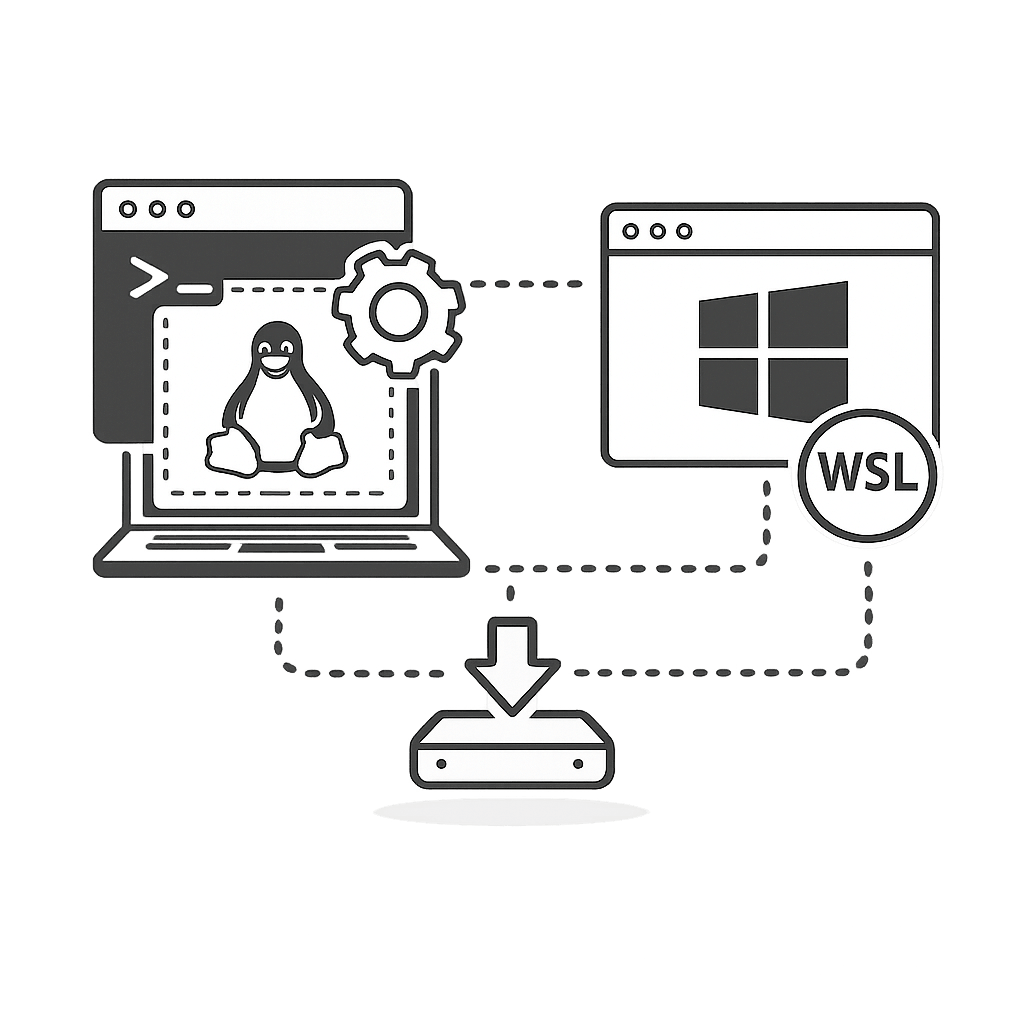
Basic WSL setup (Windows 11+)
- Open PowerShell or Command Prompt as Administrator.
- Run:
wsl --install. - Restart your PC when asked.
- After restart, choose a distro (e.g. Ubuntu) and set a username and password.
- Open "Ubuntu" from the Start menu to use the Linux terminal.
Option 3: Live USB
A live USB lets you boot Linux temporarily without installing it. It runs directly from your USB drive.

Creating a live USB
- Download an ISO (e.g. Ubuntu) from the official website.
- Use a tool like Rufus, balenaEtcher, or Ventoy.
- Select your USB drive and the ISO file.
- Write the image to the USB.
- Boot your PC from USB (change boot order in BIOS/UEFI) and select "Try Linux without installing".
Option 4: Dual boot with Windows
Dual boot lets you choose between Windows and Linux when your computer starts. This gives you full performance on both systems, but requires more care.
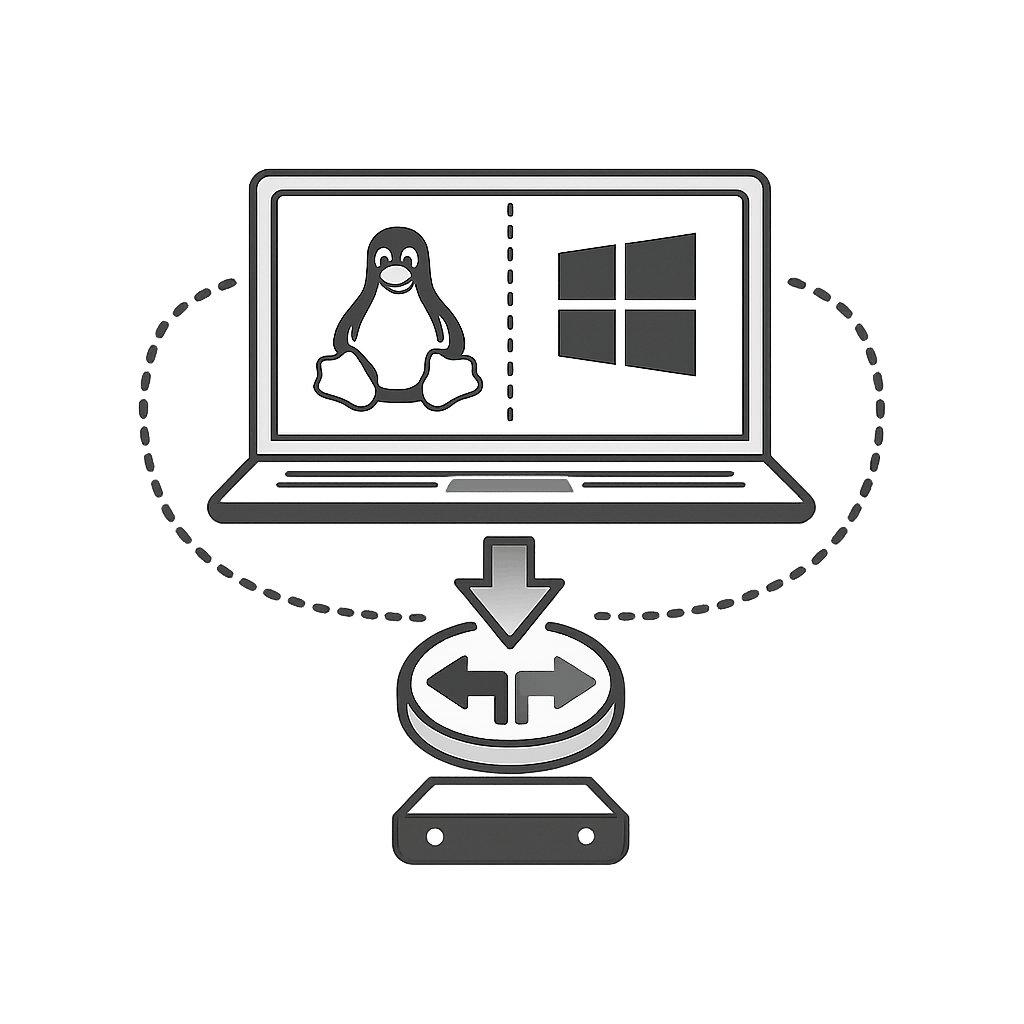
High-level dual boot steps
- Back up important data from your Windows system.
- Create free space on your disk from Windows (shrink a partition).
- Create a Linux live USB.
- Boot from the USB and choose "Install Linux alongside Windows".
- Carefully follow the installer steps and do not format your Windows partition.
- After installation, you will see a menu (GRUB) where you can choose Linux or Windows.
Which method should you choose?
Here is a quick comparison of installation methods:
| Method | Best for |
|---|---|
| Virtual Machine | Beginners who want to experiment safely without touching the main OS. |
| WSL (Windows) | Developers who want Linux tools while staying inside Windows. |
| Live USB | Trying Linux temporarily on real hardware without installing. |
| Dual Boot | Users ready to commit and use Linux as a main/secondary OS with full performance. |
Practice questions
Which Linux installation method will you use first and why?
Hint: Virtual machine, WSL, live USB, or dual boot — explain your choice.
List 3 safety tips you should follow before installing Linux on your real hardware.
Hint: Think about backups, power supply, and reading installer screens carefully.
Quiz
Test your understanding. Click an answer to see if it's correct.
1. Which method is usually the safest for complete beginners to try Linux?
A virtual machine lets you test Linux without changing your real system.
2. What is the main command to install WSL on supported versions of Windows 11?
On modern Windows, a single PowerShell command can enable WSL.
3. What is a live USB used for in the context of Linux?
A live USB allows you to boot Linux and try it before installing.
4. Before dual booting Linux with Windows, what is the MOST important step?
Any time you change partitions or OS setup, you should back up your data.